Make time for a break
Set a one-time reminder or repeat on selected weekdays. Drink water, stretch, take a walk, or write your own message.
 JoyCowsSmall joys
A LITTLE DESKTOP COMPANY
 PurrCue
Water, stretching, a short walk — let a cat remind you. For Windows, macOS and Linux, in English, Chinese, Japanese and Korean. Works offline.
v2.0.5 · Windows / macOS / Linux · MIT
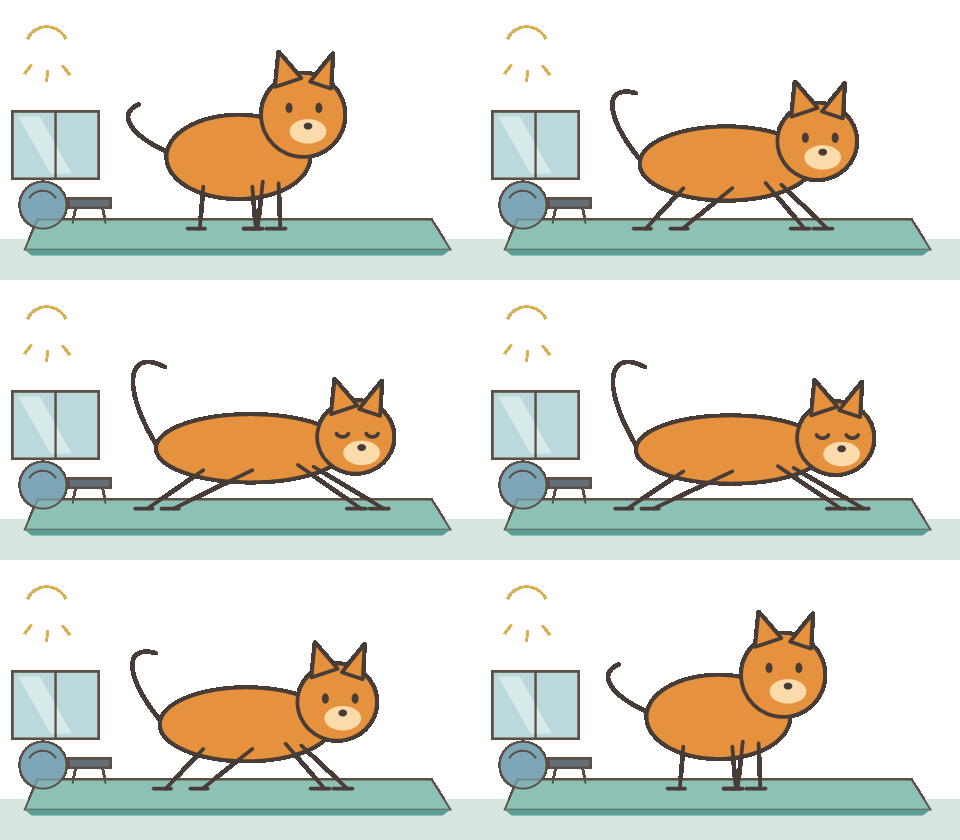
Set a one-time reminder or repeat on selected weekdays. Drink water, stretch, take a walk, or write your own message.
No account needed. Works offline, stores reminders locally, and has no telemetry. Available in English, Chinese, Japanese, and Korean.
A built-in local CLI lets AI assistants add, list, and remove reminders. Keep the app running to receive them.
A SMALL PAUSE STARTS HERE
Installers are hosted by JoyCows and match the GitHub stable release.
Run the installer, then choose your language and install location.
Open the DMG and drag the app to Applications, or extract the ZIP.
Make the AppImage executable and run it, or install the DEB with your package manager.
Compatibility: macOS still needs further real-hardware testing. Linux placement, always-on-top behavior, and tray support vary by desktop environment.
| PurrCue-2.0.5-win-x64.exe | 7463455b58e740f4d3ee199dfdf254ecc41e6b19f97584bf0f63bc0f968fe2ce |
|---|---|
| PurrCue-2.0.5-mac-universal.dmg | 9ef4d0acd6ec2949da7c51d14d89db45df41325d7cfacc18ceb1b86d731d0b6c |
| PurrCue-2.0.5-mac-universal.zip | 8d6f5c1350e055b9e2b5321cc0559cca3af90759513af97c09fed32d6c3a1125 |
| PurrCue-2.0.5-linux-x86_64.AppImage | 5fe9f4b7d44357eda330f5744ef8adf35e3ea6a77e61b84c41eaa2b02688b072 |
| PurrCue-2.0.5-linux-amd64.deb | 8f2198171f1fd82bb1f435b7b7c3bde73d07d8ecf7a665e6afc5243049fad50d |
MAKE ROOM FOR A LITTLE BREAK